 ee4b7305a2
This PR adds all the guides from [Visual
Guides](https://bytebytego.com/guides/) section on bytebytego to the
repository with proper links.

- [x] Markdown files for guides and categories are placed inside
`data/guides` and `data/categories`
- [x] Guide links in readme are auto-generated using
`scripts/readme.ts`. Everytime you run the script `npm run
update-readme`, it reads the categories and guides from the above
mentioned folders, generate production links for guides and categories
and populate the table of content in the readme. This ensures that any
future guides and categories will automatically get added to the readme.
- [x] Sorting inside the readme matches the actual category and guides
sorting on production
1.7 KiB
title, description, image, createdAt, draft, categories, tags
| title | description | image | createdAt | draft | categories | tags | |||
|---|---|---|---|---|---|---|---|---|---|
| Top 8 Must-Know Docker Concepts | Learn the essential Docker concepts for efficient application deployment. | https://assets.bytebytego.com/diagrams/0012-8-must-know-docker-concepts.png | 2024-03-03 | false |
|
|
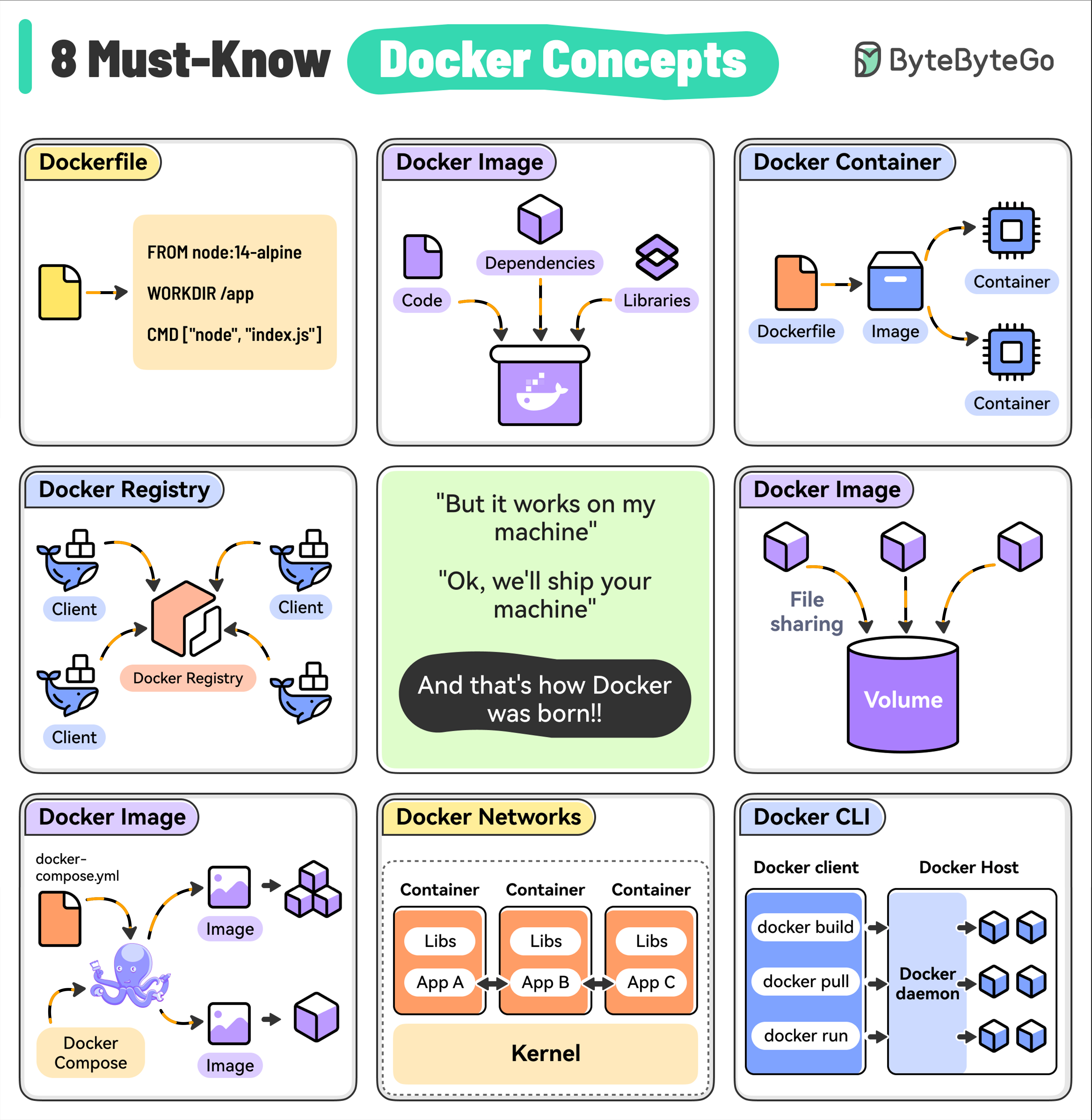
Dockerfile
It contains the instructions to build a Docker image by specifying the base image, dependencies, and run command.
Docker Image
A lightweight, standalone package that includes everything (code, libraries, and dependencies) needed to run your application. Images are built from a Dockerfile and can be versioned.
Docker Container
A running instance of a Docker image. Containers are isolated from each other and the host system, providing a secure and reproducible environment for running your apps.
Docker Registry
A centralized repository for storing and distributing Docker images. For example, Docker Hub is the default public registry but you can also set up private registries.
Docker Volumes
A way to persist data generated by containers. Volumes are outside the container’s file system and can be shared between multiple containers.
Docker Compose
A tool for defining and running multi-container Docker applications, making it easy to manage the entire stack.
Docker Networks
Used to enable communication between containers and the host system. Custom networks can isolate containers or enable selective communication.
Docker CLI
The primary way to interact with Docker, providing commands for building images, running containers, managing volumes, and performing other operations.